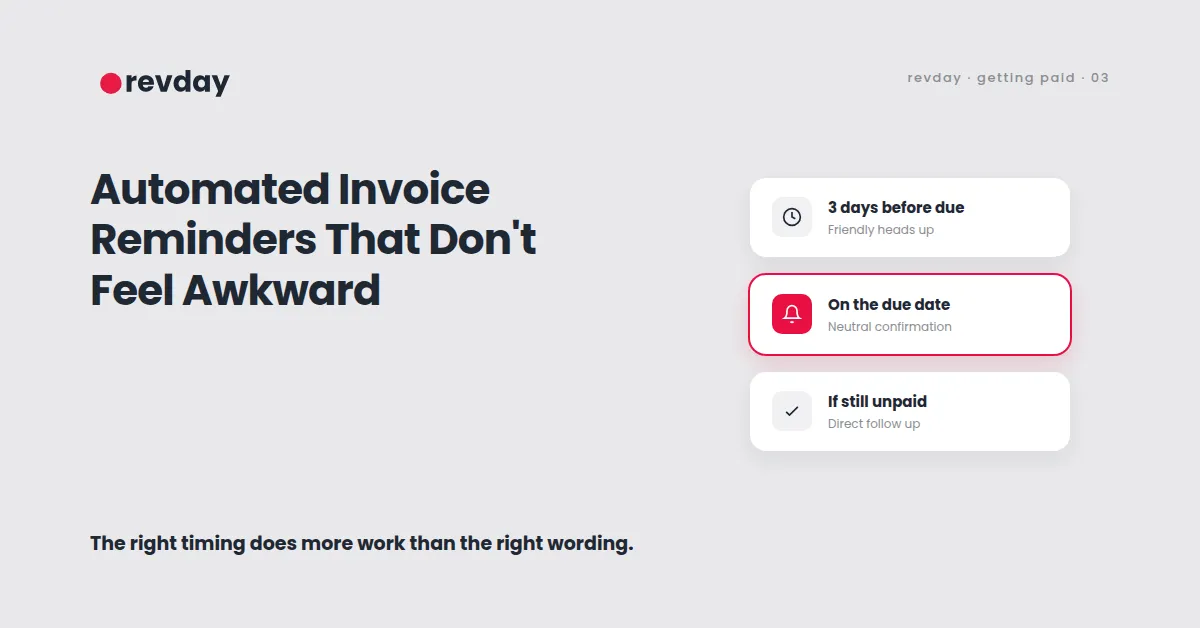
Automated Invoice Reminders That Don't Feel Awkward
Every guide on chasing late payments tells you to "keep the tone friendly but firm." Pick the right words and the awkwardness disappears.
That's not actually the problem. The tone of a reminder matters far less than when it shows up. A perfectly worded email sent two weeks late feels exactly as awkward as a badly worded one, because by then the moment to follow up cleanly has already passed. The fix isn't a better sentence. It's a reminder that fires on a schedule, before the awkwardness has a chance to build. This is the automation half of getting paid on time, the half that kicks in after the deposit has already done its job.
Why manual reminders always feel late
When chasing a payment depends on you remembering to do it, there's a gap between when the invoice was due and when you actually get around to sending the reminder. That gap is where the discomfort lives.
By the time you've noticed it's overdue, decided today's the day to deal with it, and drafted something that doesn't sound annoyed, a week or two has usually passed. The client can tell. A reminder that arrives three weeks late reads as a complaint, not a process. An automated reminder that fires exactly three days after the due date reads as exactly what it is: a normal part of how the business runs.
The timeline that actually works
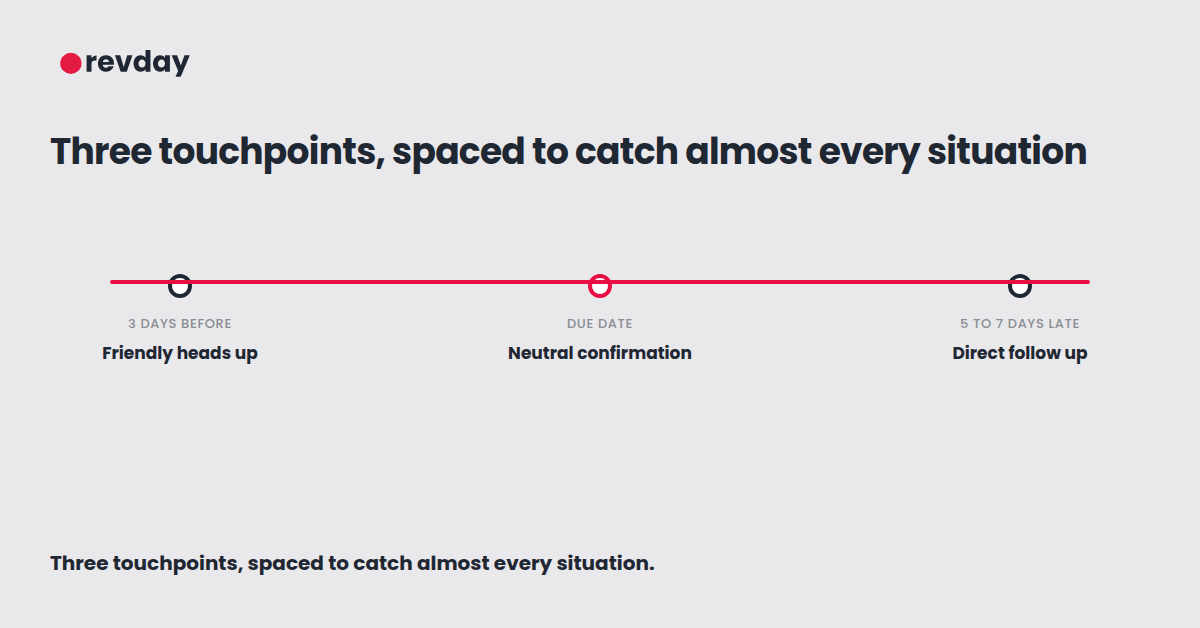
Three touch points cover almost every situation, and the spacing matters more than the wording at each one.
A few days before the due date, a friendly heads up confirming the invoice is coming due. This isn't a chase, it's a courtesy, and it catches the clients who simply lost track of the date.
On the due date itself, or the day after, a neutral confirmation that payment is now due. Plain, factual, no urgency added.
Then, if it's still unpaid five to seven days later, a slightly firmer follow up that references the original invoice and asks directly when payment can be expected.
Most overdue payments get resolved by the second or third touchpoint. The clients who still haven't paid after that usually need a direct conversation, not a fourth automated email, and that's worth knowing too. Automation handles the predictable cases. It's not meant to replace judgement on the genuinely difficult ones.
Tone should shift, but only slightly
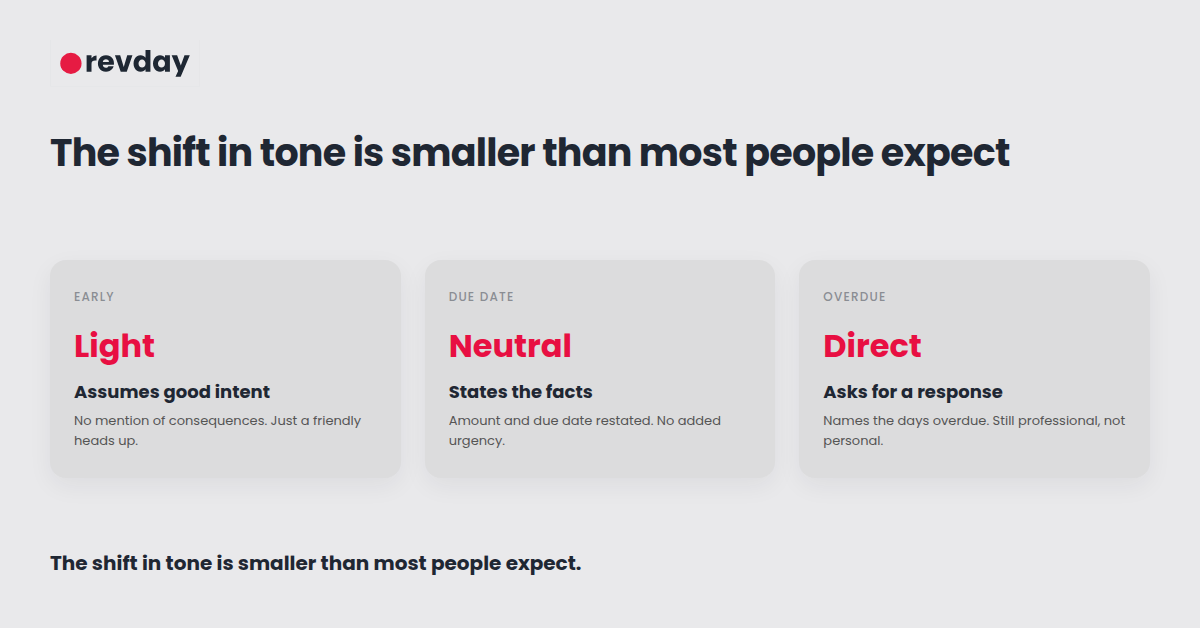
The early reminder and the overdue reminder shouldn't read the same way, but the shift is smaller than most people assume. You're not moving from cheerful to threatening. You're moving from a gentle heads up to a direct, plain statement of fact.
Early stage: light, assumes good intent, no mention of consequences. On or just after the due date: neutral and clear, simply restating the amount and due date. Overdue: still professional, but direct, naming the number of days overdue and asking for a specific response.
None of these need to sound like they came from a debt collector. They need to sound like they came from a business that has its admin sorted, which, once this is automated, is exactly what's true.
Why this works better coming from the system, not you
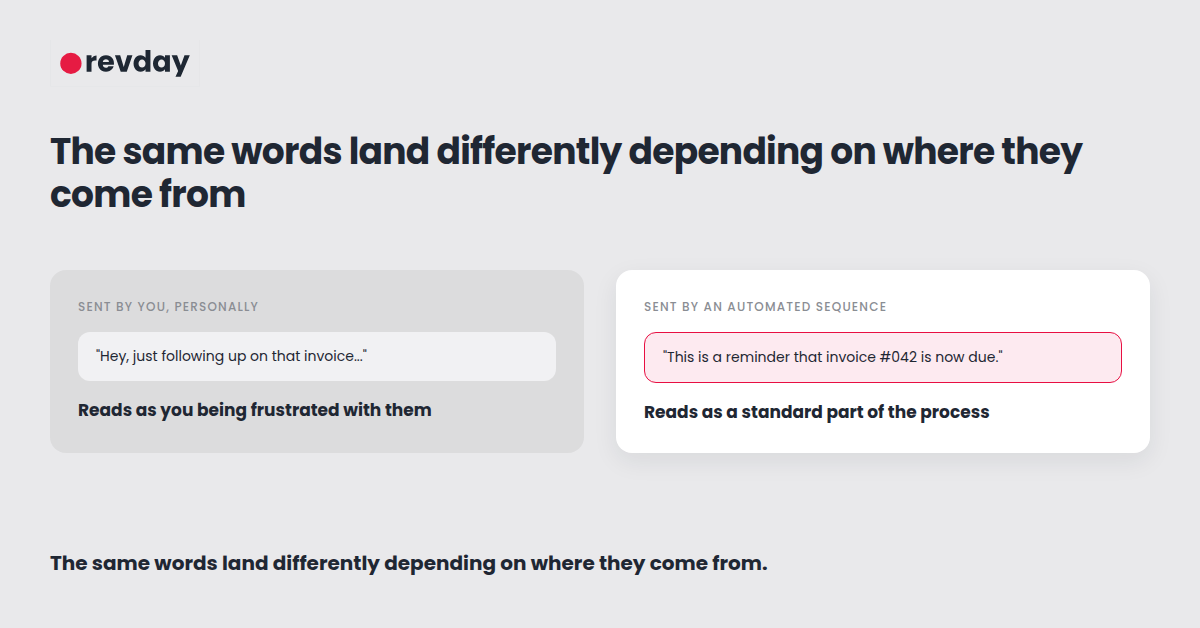
There's a separate, less obvious benefit to automating this: the reminder stops being personal. When you send a reminder yourself, the client reads it as you, specifically, getting frustrated with them, specifically. When the same message comes from an automated sequence, it reads as a standard process every client goes through, which is far easier for both sides to engage with.
This is the same logic behind automating appointment reminders to cut down on no shows. A system reminding someone feels procedural. A person reminding someone feels personal, even when the words are identical.
Set it up once, then leave it alone
The actual setup is simple once the deposit and invoice terms from the rest of your payment process are in place. A trigger fires when an invoice is generated, a sequence of three messages goes out on the schedule above, and the sequence stops automatically the moment the invoice is marked paid.
After that, there's nothing to remember. No deciding whether today is the day to send the awkward email, because the awkward email was never something you had to personally choose to send in the first place. The same principle applies to automating your sales follow up process before a client has even paid a deposit, not just after.

