High-Converting Lead Forms for Service Businesses
Most contact forms do one thing: they collect a name, an email, and a vague message.
That sounds fine on paper, until every enquiry looks exactly the same. A serious buyer, a price shopper, an existing client, and someone "just looking" all land in the same inbox with no clear priority.
A high-converting form is not just a form that gets more submissions. For a service business, it is a form that helps you understand who is enquiring, what they need, and what should happen next.
Why Standard Contact Forms Fail Service Businesses
A basic "Contact Us" form with a giant blank message box is a lead killer. It forces the founder to manually interpret every single enquiry just to decide if it is worth a phone call.
When every lead looks urgent, nothing is urgent. Standard forms fail because:
They lack qualification: You cannot tell a $500 lead from a $5,000 lead.
They have no source tracking: You do not know if they came from a referral or a Facebook ad.
They create more admin: You have to email them back just to ask the basic questions the form should have handled.
They lack immediate nurture: The lead hits "submit" and then sits in a silent inbox for 24 hours.
Is your contact form creating more work than it is worth? Take the Clarity Quiz to find where your leads are leaking and diagnose your lead capture gaps.
The Logic Layer: What Your Form Should Decide Automatically
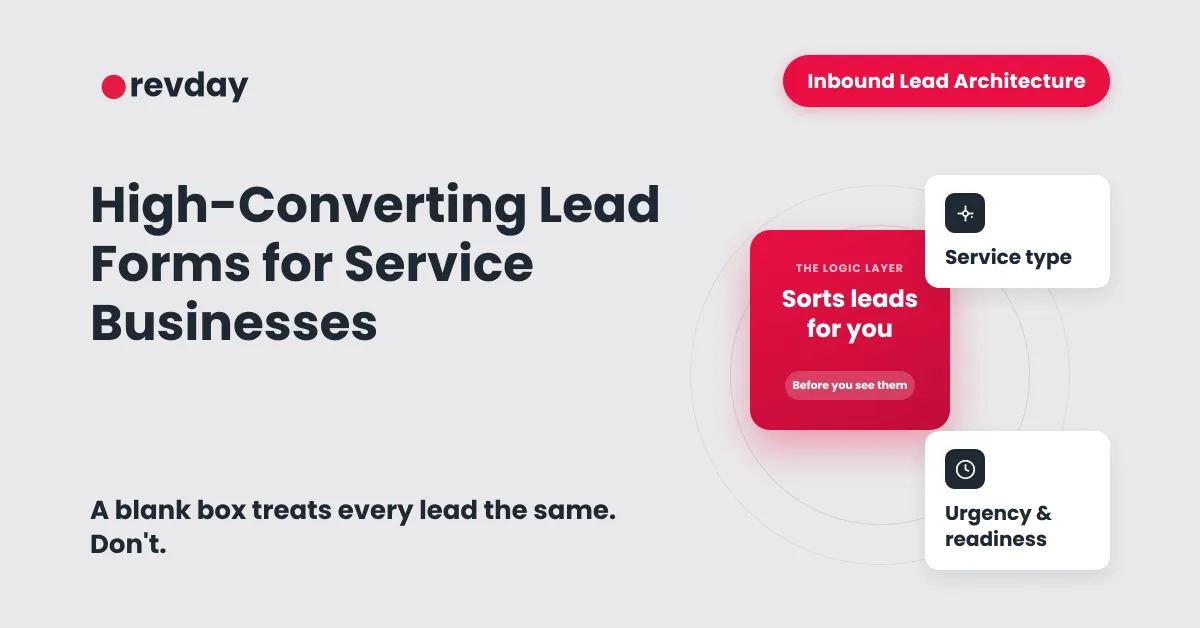
In the Inbound Lead Architecture framework, we call this the Logic Layer. This is the part of your system that uses someone’s answers to route them to the right next step automatically.
Instead of a blank box, your form should ask about:
Service Type: What specifically do they need help with?
Urgency: Do they need this today, or are they planning for next month?
Readiness: Are they ready to book a call, or do they just need a quote?
By capturing this data, the form does the heavy lifting of "sorting" the leads before you even see them.
The Best Form is Not Always the Shortest Form
You have likely heard that shorter forms convert better. While that is true for newsletter signups, it is rarely true for high-ticket service businesses.
If your form is too short, you spend your life on "discovery calls" with people who are not a fit. The solution is conditional logic. This means the form changes based on the answers the person gives.
If they select "I am just researching," the form stays short and offers a free resource. If they select "I am ready to start now," the form can ask deeper questions about their project and budget. This keeps the experience relevant while ensuring you get the data you need.
What Should Happen After Someone Submits the Form?
The moment a lead hits "submit" is the moment they are most engaged with your business. Do not waste it with a generic "Thank You" page.
A smart lead capture path should trigger a series of events:
Instant Acknowledgement: An automated email or text confirms you have their details.
Contact Record Created: The lead is added to your CRM with their source and project details.
Pipeline Stage Assigned: The lead is categorised (e.g. "Quote Requested" or "Warm Lead").
Next Step Triggered: If they are a high-fit lead, they are instantly shown your Booking Calendar.
Clarify your offer path before you build your form so you know exactly which "next step" to trigger for each type of lead.
Where Link Trees Fit in for Service Businesses
For many founders, a "link in bio" tool on Instagram or Facebook is the front door to their business. However, a link tree should not just be a list of random links. It should be a mini front desk that routes visitors by intent.
A high-performing service business link tree looks like this:
Book a Strategy Call (Direct to calendar)
Get a Project Quote (Direct to a smart form)
Take the Clarity Quiz (For those not ready to buy yet)
Free Resources/Tools (To build authority)
Smart Form Checklist for Service Businesses
Before you build your next form, check if it handles these five requirements:
Does it identify which specific service the person needs?
Does it ask a qualifying question (like budget or timeline)?
Does it use conditional logic to keep the experience short?
Does it automatically create a record in your CRM?
Does it trigger a different "next step" based on the user's answers?
The goal of your lead capture form is not to make people work harder. It is to make your sales process easier.
Stop letting revenue slip through the cracks. Take the Clarity Quiz and find the first part of your lead capture system to fix.