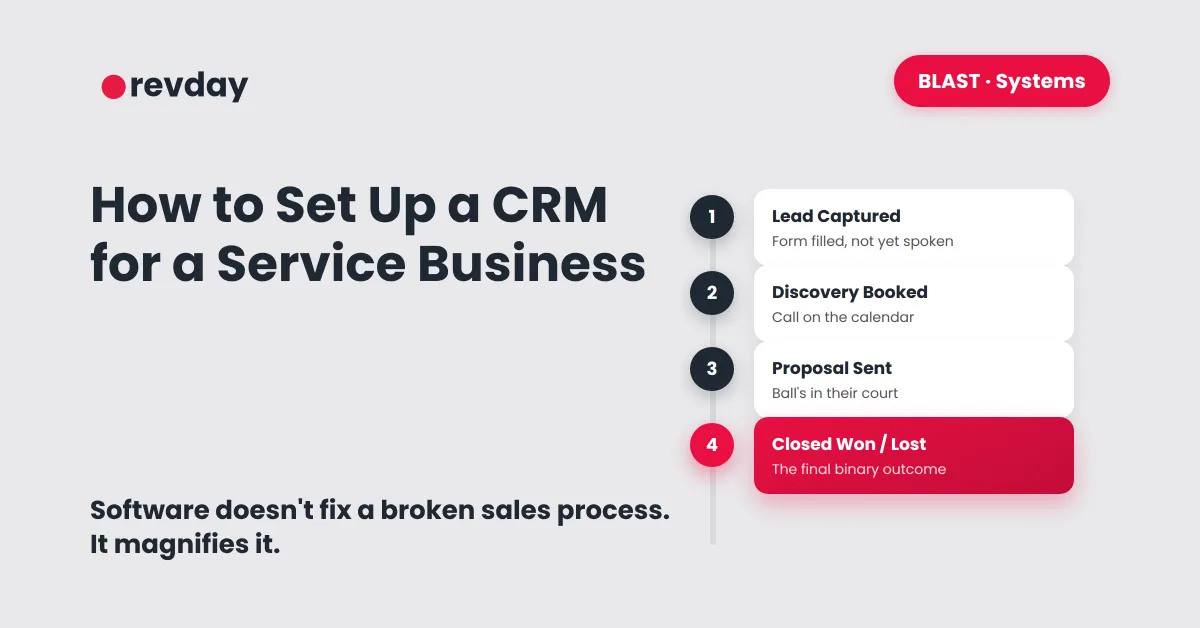
How to Set Up a CRM for a Service Business (Before You Buy the Software)
There's a familiar moment every service business eventually hits. A lead falls through the cracks, you panic, and within the hour you've signed up for a CRM, certain this is the fix.
A weekend gets spent uploading contacts, connecting an inbox, colour-coding tags. A month later, nothing's actually different. Leads are still slipping. There's just a new monthly bill attached to the same problem.
Software doesn't fix a broken sales process. It just runs the broken process faster.
Why most CRMs end up as expensive address books
Most CRMs get set up the same way: store names, store emails, store phone numbers. Useful, but that's a contact list, not a CRM.
A contact list is static. A pipeline moves. If logging in doesn't immediately tell you who needs a call today, what to say to them, and how much revenue is actually sitting in motion right now, nothing's been set up yet, just stored.
What to do before logging into any CRM
The actual first step has nothing to do with software. Before touching a tool, map the pipeline on paper: the exact, repeatable steps a stranger moves through on the way to becoming a paying client.
Automating a chaotic process doesn't fix the chaos. It just makes the wrong things happen faster and with more confidence behind them. The stages need to exist clearly before any tool gets involved.
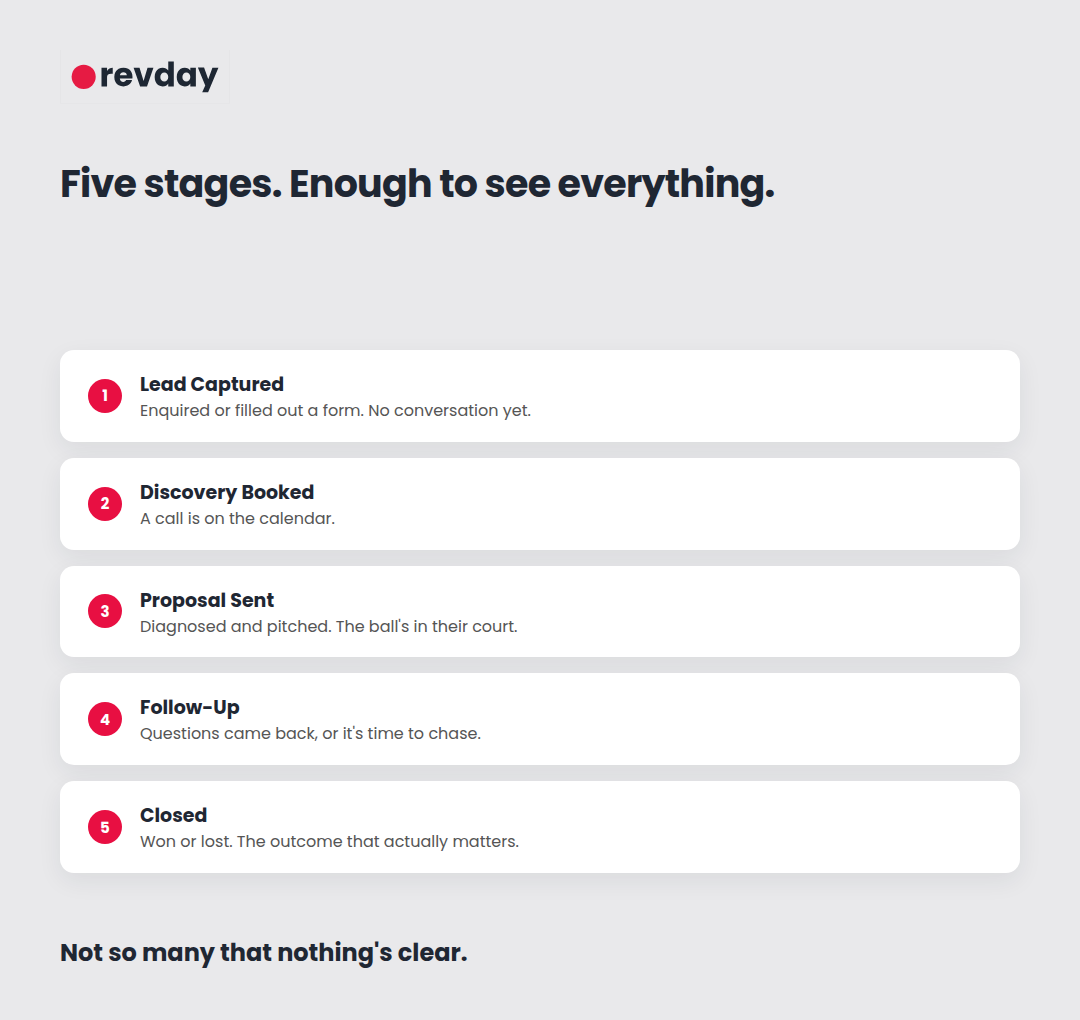
The five stages a service business pipeline actually needs
Complexity kills consistency. Fifteen pipeline stages sound thorough and get ignored within a week. Five clear ones get used.
Lead Captured. Someone's enquired or filled out a form. No conversation yet.
Discovery Booked. A call is on the calendar.
Proposal Sent. The problem's been diagnosed, the offer's been pitched. The ball's in their court.
Follow-Up. Questions came back, or it's time to chase the proposal that's gone quiet.
Closed. Won or lost. The binary outcome that actually matters for revenue tracking.
With a pipeline this clean, looking at the "Proposal Sent" column tells you exactly how much potential revenue is sitting there waiting on a follow-up email, at a glance, without digging.
This kind of structure is also what makes automating pipeline movement possible at all. A pipeline with undefined stages has nothing consistent to automate against.
Automating the follow-up without sounding like a robot
There's a real fear in service businesses about automation: sell high-trust expertise, send one robotic-sounding email, lose the trust instantly.
The fix isn't avoiding automation, it's automating the right layer. Automate the reminder, not the relationship.
Instead of a sequence that blasts generic check-ins at every lead, set the CRM to ping you instead. When a deal sits in "Proposal Sent" for 48 hours, the system creates a task: send a personal voice note about the proposal. The software handles remembering. The human still does the talking.
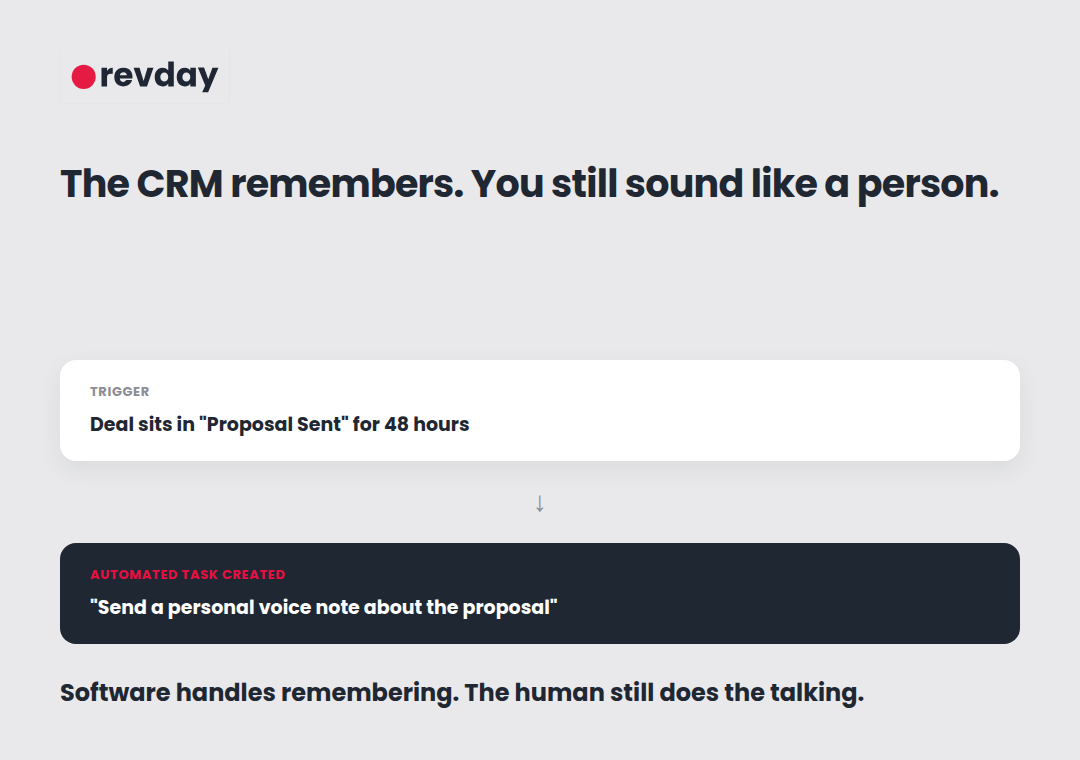
This same principle, automate the structure, keep the conversation human, is the backbone of a sales process that doesn't depend on you being there for every single interaction personally.
Why this is infrastructure, not admin
A CRM that's actually set up properly isn't a tool you check when something goes wrong. It's part of the infrastructure that lets a business keep running without every deal depending on the founder personally remembering where things stand.
That's the real test of a CRM: not whether it's expensive or full of features, but whether someone else, or you on a bad week, could open it and know exactly what's happening with every deal in motion.
If the backend feels like a house of cards even though the business has real traction, the fix isn't another software tool. It's defining the pipeline properly and building the right automation around it, which is exactly the foundational work BLAST is built to put in place.